Built for Your Entire
Workflow

XML Editor
Build components, widgets, and screens in a modular way using an XML editor at lightning speed.

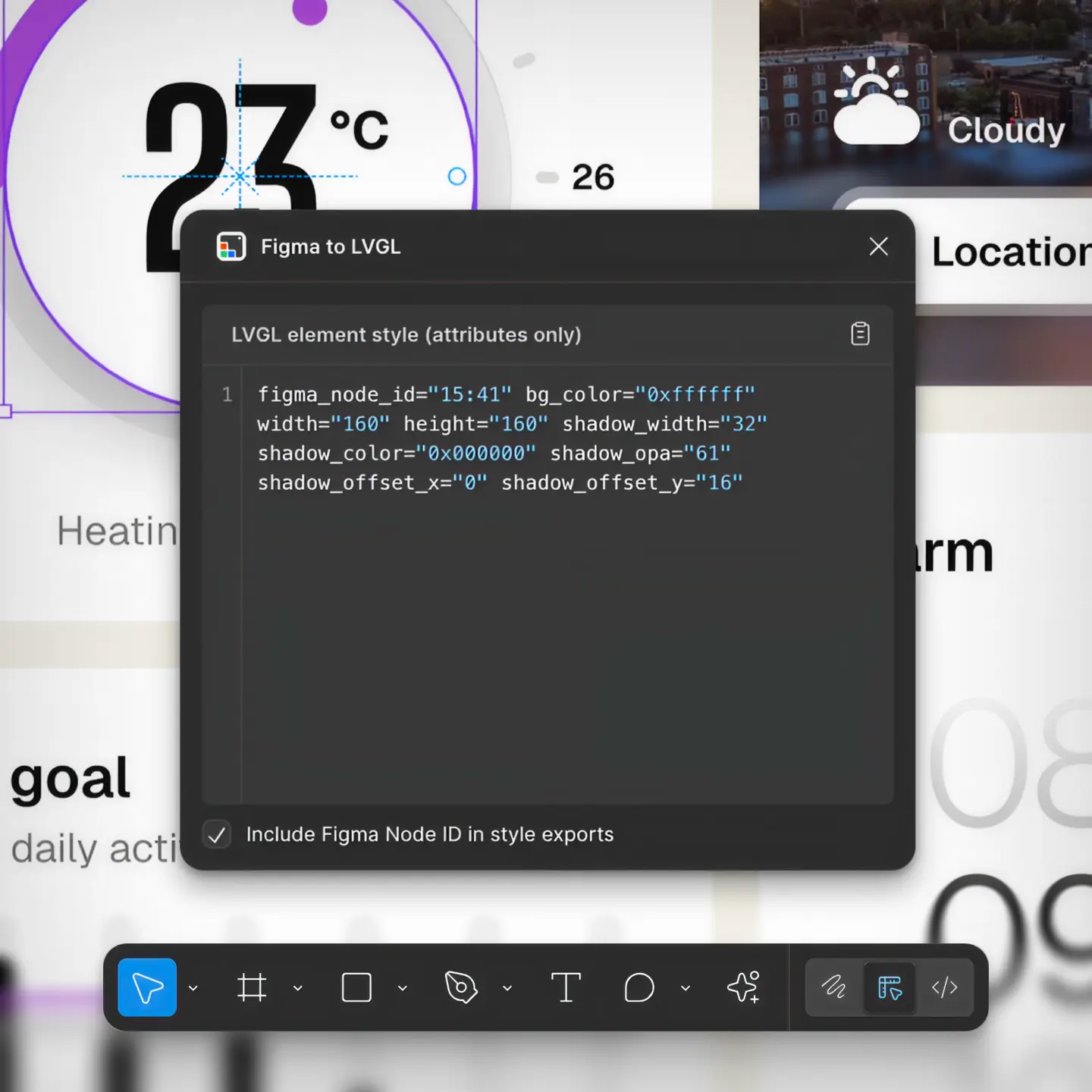
Figma Import
Sync styles and assets directly from Figma for pixel-perfect implementation.

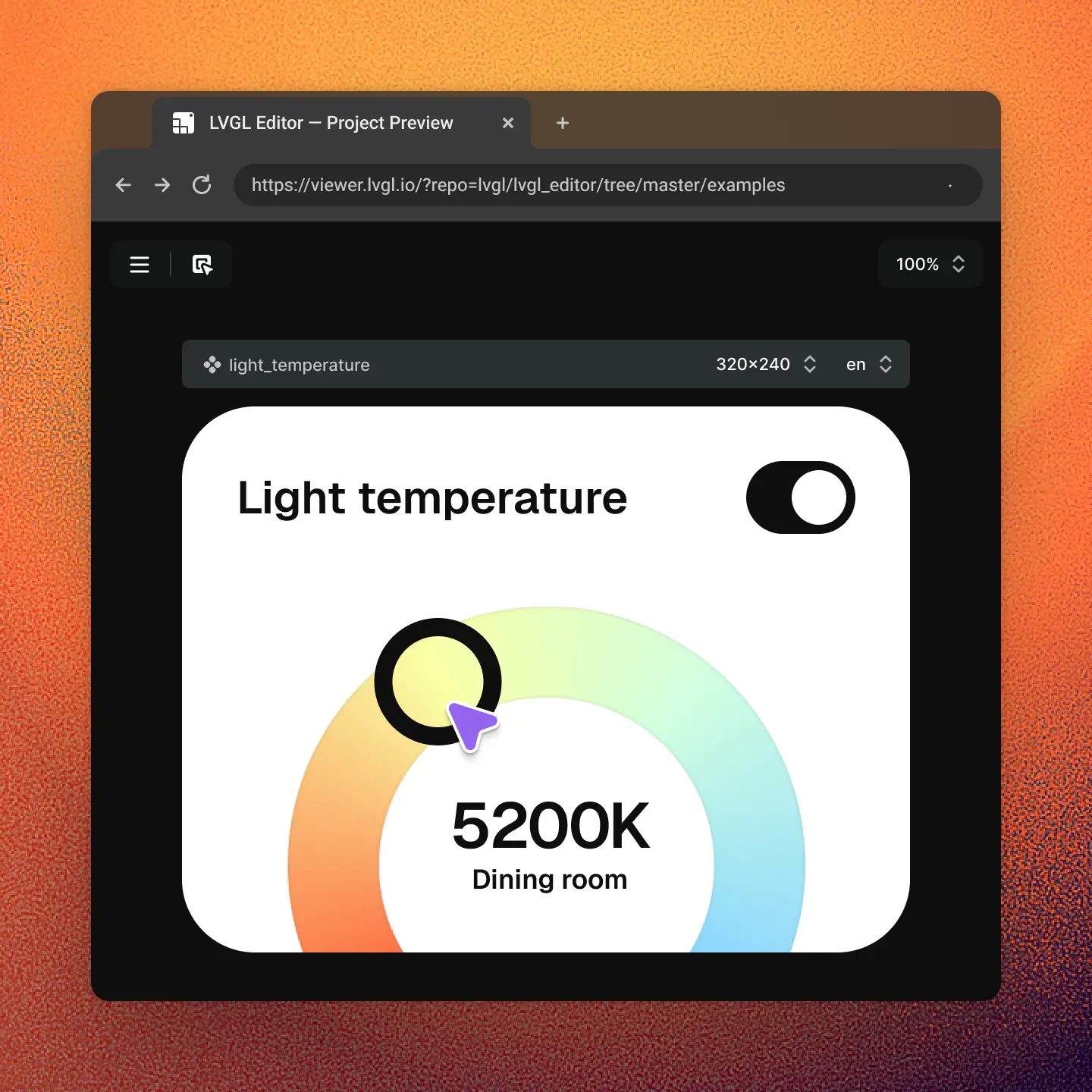
Online Collaboration
See changes instantly and share the UI online. No flashing, no setup needed.

CLI Tool
Validate XMLs, generate C code, and run tests in CI/CD pipelines with ease.
Build UIs Fast
Dsync Studio turns weeks of manual work into days with instant previews, XML codegen, automation, and more.

Build UIs with XML
The core of Dsync Studio is a powerful XML editor that lets you define components, widgets, and screens to build modular UIs at lightning speed. With a fully text-based workflow, your projects become perfectly suited for version control, automation, and AI-assisted development.
XML files can be exported as portable binary UI files or loaded dynamically at runtime, allowing you to update your UI without recompiling.
Pixel-Perfect Preview &
Inspector
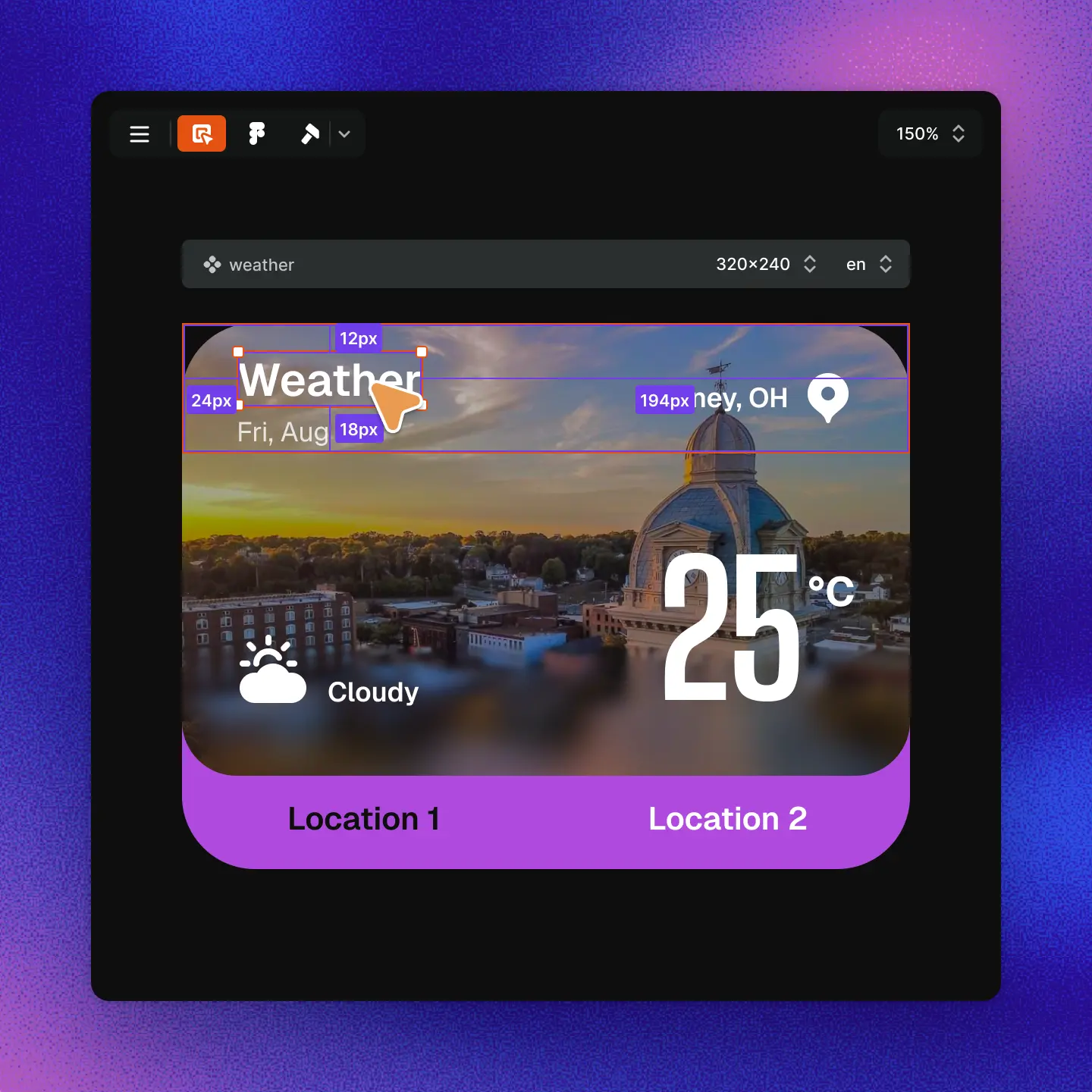
See your screens and components live in a pixel-perfect preview. No recompiling, no flashing, just instant feedback.
Use the powerful inspector to visualize UI elements, measure spacing, and adjust sizes or positions directly while navigating your design with ease.
Use Dsync Studio
to Build Embedded UIs
like a PRO
The complete toolkit to build, test, share, and ship UIs efficiently.
Pro Features Built In
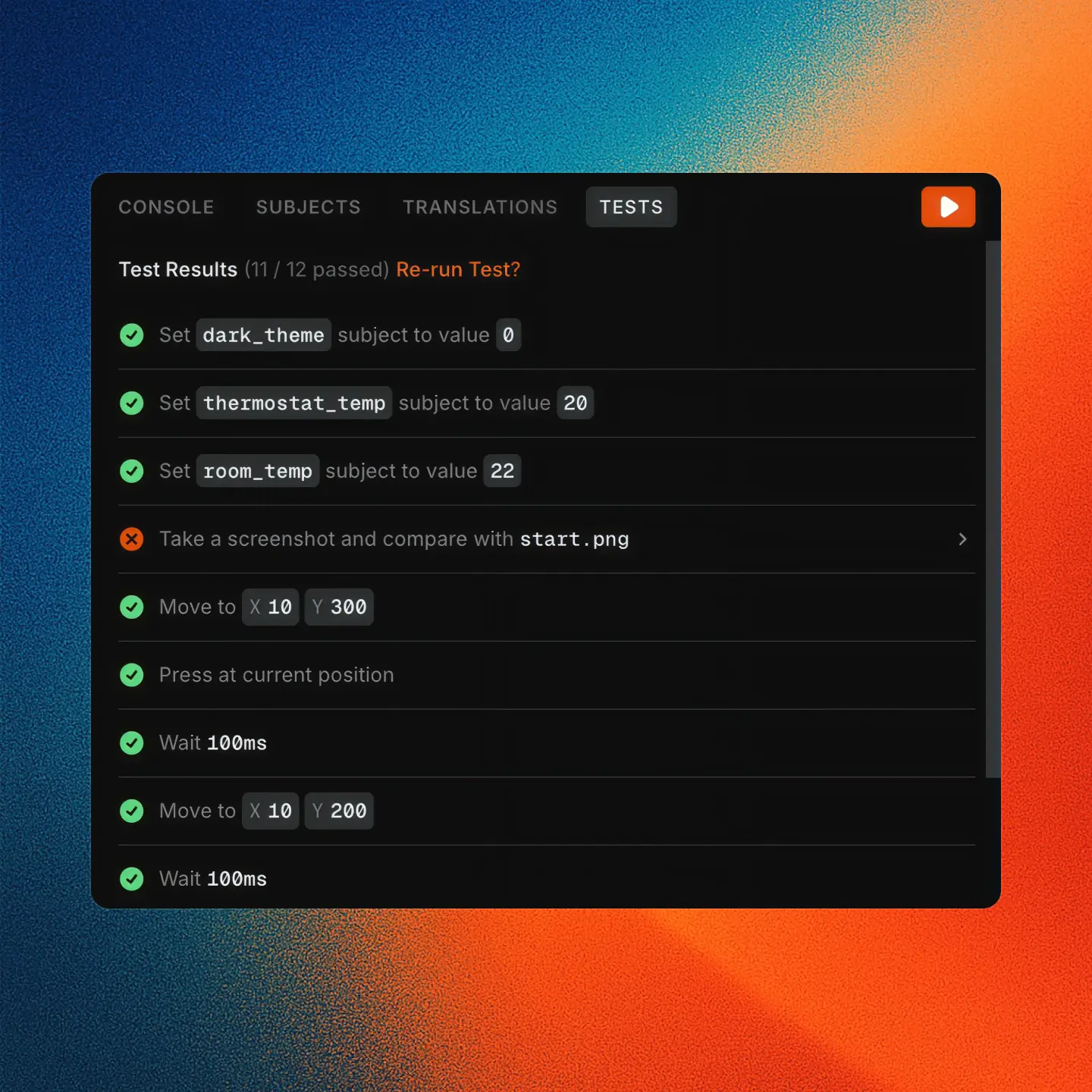
You can write UI tests in seconds, add translations effortlessly, create and play timeline animations, handle data bindings for a clean API, and more. All built right in.
Dsync Studio goes far beyond building screens. It includes everything you need to create professional HMI interfaces:
- UI tests: write and run tests in seconds to ensure quality.
- Translations: add multi-language support with ease.
- Timeline animations: create and play smooth visual animations.
- Data bindings: connect logic to UI through a clean API.
Figma Integration
Designed to work with Figma, right out of the box. With our plugin, you can bring your work straight into Dsync Studio. Easily sync styles and images without worrying about off-by-one errors, mismatched colors, or incorrect padding and radius.
Full element and screen synchronization is on the way, making design-to-code workflows butter-smooth.