Common Touch Panel Calibration Issues and How to Fix Them
Insights · 4 October 2026 · 4 min read · By Pratik Jhunjhunwala
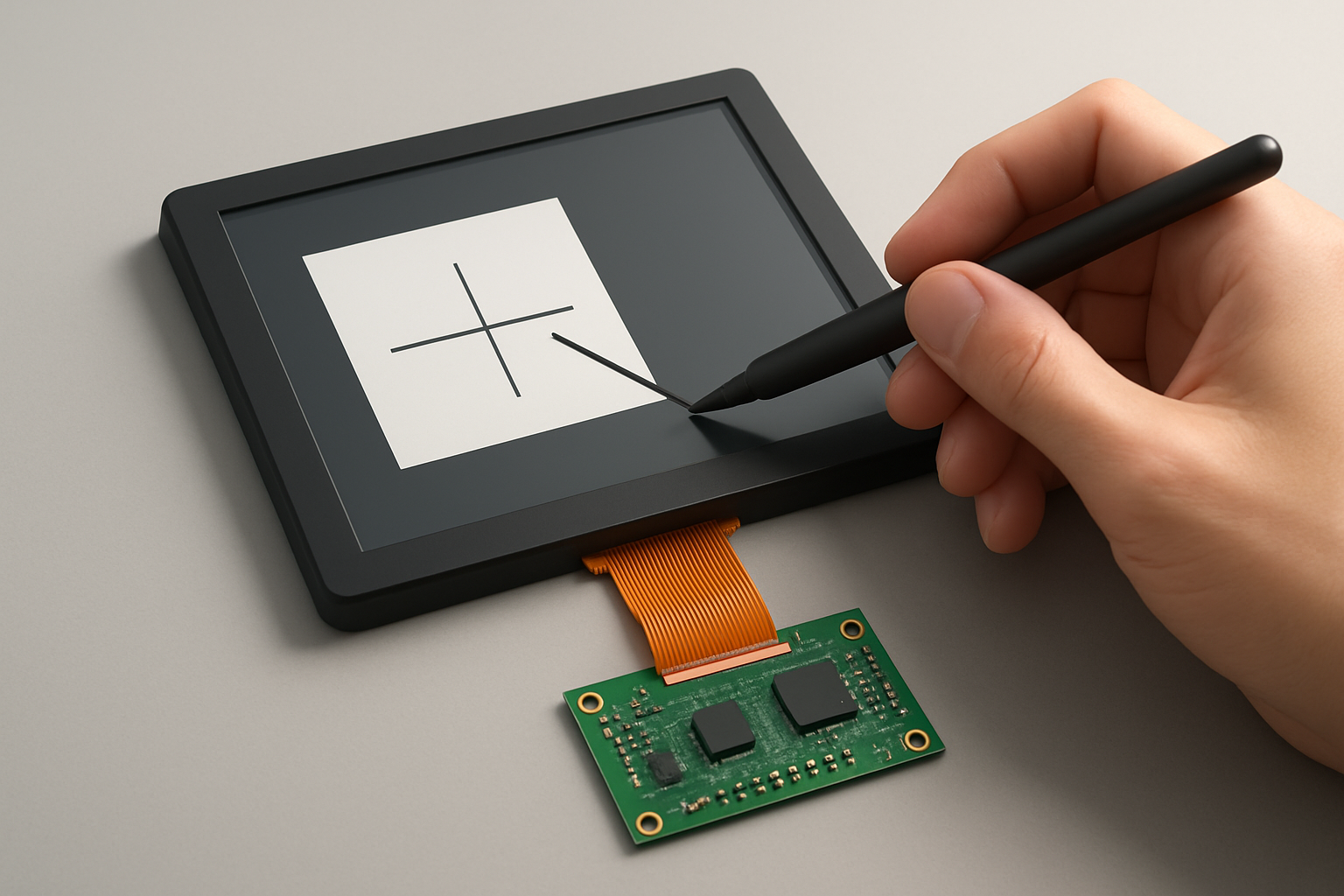
Touch panels are integral components of modern electronic devices, providing user interfaces that are intuitive and responsive. However, calibration issues can arise, leading to reduced accuracy and performance. This article explores common touch panel calibration issues and practical solutions to address them.
Understanding Touch Panel Calibration
Calibration of a touch panel involves adjusting the system to accurately interpret touch inputs. This process ensures that the touch coordinates accurately correspond to the visual display coordinates. Calibration is essential for touch panels used in various applications, including industrial HMIs, medical devices, and consumer electronics.
Common Calibration Issues
-
Inaccurate Touch Detection
- Symptoms: Touch inputs do not correspond to the expected result on the display.
- Causes: This can be caused by misalignment during the calibration process, hardware malfunctions, or environmental factors such as temperature and humidity.
-
Ghost Touches
- Symptoms: The touch panel registers touches without any physical contact.
- Causes: This may occur due to electrical interference, faulty components, or software glitches.
-
Drift Over Time
- Symptoms: The touch response becomes less accurate as time passes.
- Causes: External factors like temperature changes or prolonged use can alter the calibration settings.
-
Non-responsive Areas
- Symptoms: Certain areas of the touch panel do not respond to touch inputs.
- Causes: This might be due to physical damage or manufacturing defects.
-
Lag in Touch Response
- Symptoms: There is a noticeable delay between touch and action on the display.
- Causes: This can result from software issues or hardware limitations.
How to Fix Calibration Issues
1. Recalibrate the Touch Panel
Recalibration can resolve many issues. Follow these steps:
- Access the calibration tool in your device settings.
- Follow the on-screen instructions to touch specific points on the screen.
- Ensure that the touches are deliberate and at the correct points.
2. Update Firmware and Drivers
Sometimes, touch panel issues can stem from outdated firmware or drivers. To resolve this:
- Check the manufacturer's website for updates.
- Download and install the latest software updates.
- Restart the device to apply the changes.
3. Inspect Hardware Connections
For hardware-related issues:
- Check all connections between the touch panel and the mainboard.
- Look for any signs of damage, such as frayed wires or loose connectors.
- Replace any faulty components as necessary.
4. Adjust Environmental Conditions
Since external factors can affect calibration:
- Ensure the operating environment is within the recommended temperature and humidity range.
- Avoid using the touch panel in direct sunlight, if possible.
5. Use Software Tools for Calibration
Many touch panels come with software tools designed to improve calibration:
- Utilize these tools to conduct more precise calibration.
- Some tools allow for advanced settings to adjust sensitivity and responsiveness.
6. Address Electrical Interference
If ghost touches are an issue:
- Move other electronic devices away from the touch panel.
- Ensure proper grounding of the device to reduce electrical noise.
7. Check for Physical Damage
In cases of non-responsive areas:
- Carefully inspect the touch panel for cracks or scratches.
- If damage is found, consider replacing the touch panel.
8. Regular Maintenance
Establish a routine maintenance schedule:
- Periodically recalibrate the touch panel as part of regular upkeep.
- Keep the touch surface clean to avoid any interference with touch detection.
Conclusion
Calibrating touch panels is crucial for ensuring optimal functionality in various applications. By understanding the common calibration issues and following the outlined steps to fix them, engineers and product managers can significantly enhance the user experience. Should you require further assistance or wish to explore our range of touch panel solutions, feel free to contact BIBA Electronics for quotations or samples. Together, we can ensure your devices operate at their best.
BIBA Electronics: electronics manufacturing, TFT displays and embedded design in Gurugram, India.