Getting Started with Embedded HMI Design for STM32-Based Products
Insights · 6 October 2026 · 4 min read · By Pratik Jhunjhunwala
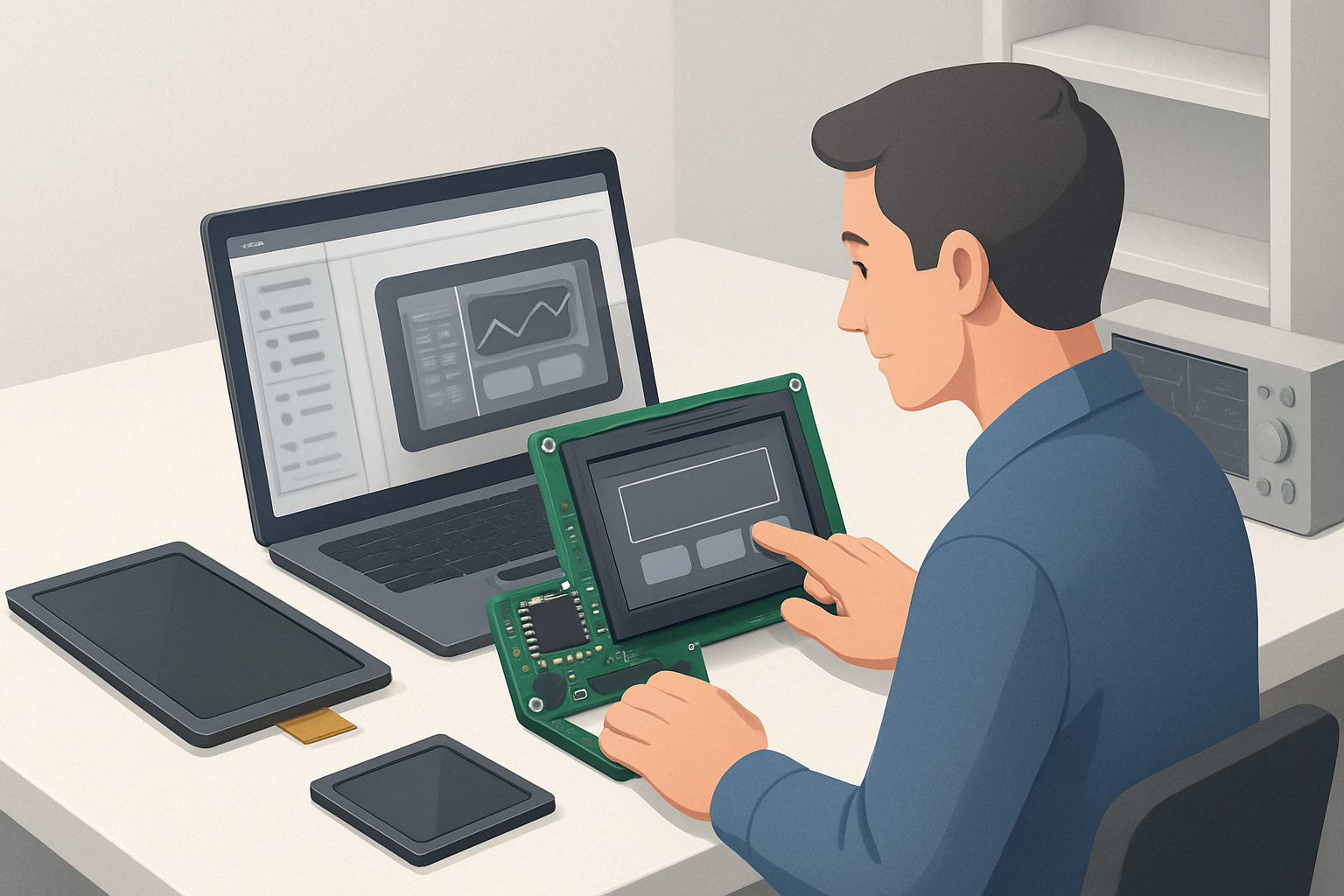
Embedded Human-Machine Interfaces (HMIs) are essential for creating effective user interactions in devices that rely on microcontrollers like the STM32 series. This article provides a comprehensive guide on how to design embedded HMIs specifically for STM32-based products, focusing on practical aspects that engineers and procurement managers need to consider.
What is Embedded HMI Design?
Embedded HMI design refers to the process of creating user interfaces within embedded systems, allowing users to interact with devices through graphical displays and touch controls. An effective HMI enhances usability, offering intuitive navigation and feedback on user actions. When working with STM32 microcontrollers, you'll leverage their powerful performance, low power consumption, and extensive peripheral support to create responsive and engaging HMIs.
Why Choose STM32 for HMI Design?
The STM32 family of microcontrollers is popular for HMI applications due to the following reasons:
- Performance: STM32 MCUs offer high processing speeds and multiple cores, accommodating complex graphics and animations.
- Versatility: With various series (e.g., STM32F, STM32H, STM32L), you can choose the right MCU based on your application’s requirements.
- Integrated Peripherals: STM32 microcontrollers come with built-in peripherals like LCD controllers and touch interface options, simplifying the design process.
- Development Support: STM32 has extensive documentation and community support, making it easier to overcome design challenges.
Key Components of an Embedded HMI Design
When starting your embedded HMI design with an STM32 microcontroller, consider the following components:
- Display Module: Choose a display that suits your application—options include TFT LCD, segmented LCDs, or touch panels. BIBA Electronics offers a variety of display solutions that can be integrated with STM32.
- Microcontroller: Select the appropriate STM32 model based on processing power, memory, and peripheral requirements.
- Touch Interface: Depending on your design, choose between resistive or capacitive touch panels. Consider the environment where the device will be used.
- Graphics Library: Utilize libraries such as TouchGFX or emWin to facilitate graphical interface development, reducing time-to-market.
- Power Supply: Ensure that your power supply can handle the demands of the display and microcontroller.
Step-by-Step Guide to HMI Design for STM32
1. Define User Requirements
Begin by identifying the needs of your end-users. Conduct surveys or interviews to understand their expectations regarding functionality and aesthetics. This will guide your design choices.
2. Select Hardware Components
Choose the appropriate STM32 microcontroller and display modules based on your requirements. Consider factors like size, resolution, and brightness of the display, as well as the processing capabilities of the MCU.
3. Develop the User Interface
- Layout Design: Sketch the layout of your HMI, defining button placements, icons, and navigation flows. Use design software to visualize the interface.
- Graphics Creation: Create or source graphics for icons, buttons, and backgrounds. Ensure that they are optimized for the resolution of your display.
- Interactivity: Design the interactive elements of your HMI, ensuring that user inputs are handled efficiently.
4. Implement Firmware
Develop the firmware for your STM32 microcontroller:
- Initialize Peripherals: Set up the display and touch interface, ensuring they communicate effectively with the MCU.
- Graphics Rendering: Write the code to render graphics using the selected graphics library. This includes handling user inputs and updating the display accordingly.
- Testing: Rigorously test your HMI for responsiveness, usability, and performance under various conditions.
5. Prototype and Iterate
Create a prototype of your HMI and gather feedback from users. Iterate on the design based on their feedback to improve functionality and appearance.
Checklist for HMI Design Success
Here’s a practical checklist to ensure your HMI design is on the right track:
- Define clear user requirements
- Select appropriate STM32 microcontroller
- Choose suitable display technology
- Design intuitive and user-friendly interface
- Implement responsive touch functionality
- Conduct thorough testing and validation
- Gather user feedback for further refinement
Conclusion
Designing an embedded HMI for STM32-based products involves careful consideration of user needs, hardware selection, and iterative development. With the right approach and components, you can create a seamless user experience that enhances your product’s value. For high-quality display solutions and expert support, consider BIBA Electronics as your trusted supplier.
If you have further questions or would like to get samples or a quotation for your project, feel free to contact us.
BIBA Electronics: electronics manufacturing, TFT displays and embedded design in Gurugram, India.