How to Read a TFT Display Datasheet: Key Specs Explained
Insights · 20 September 2026 · 4 min read · By Pratik Jhunjhunwala
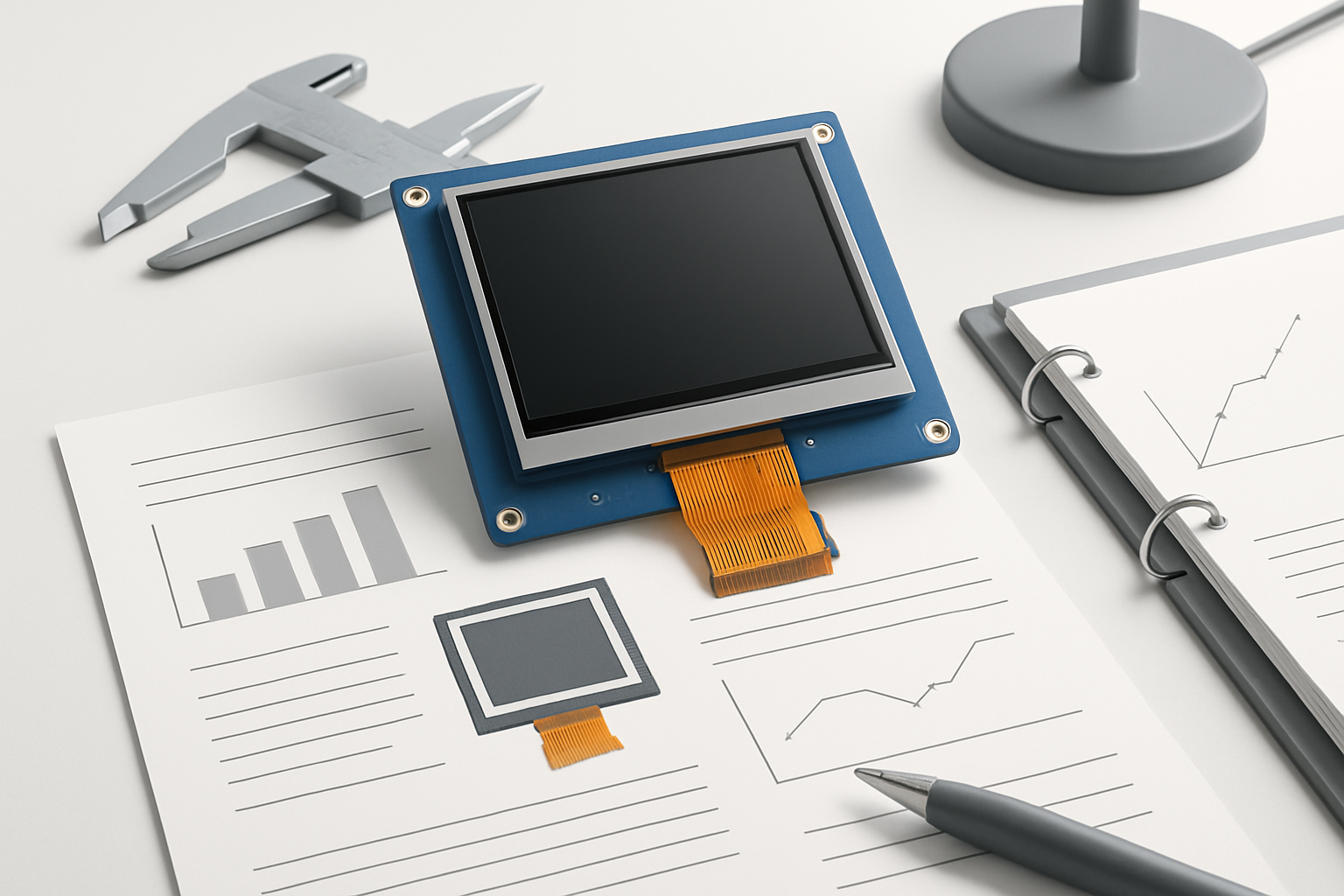
When selecting a TFT display for your project, understanding the datasheet is crucial to ensure the component meets your design requirements. A datasheet provides essential specifications that inform engineers and buyers about the display's capabilities, limitations, and suitability for specific applications. Here’s a guide on how to read a TFT display datasheet, highlighting the key specifications that matter most.
Key Specifications to Look For
1. Display Resolution
Resolution is often the first specification to consider. It defines the number of pixels in each dimension that the display can show, typically expressed as width × height (e.g., 800 × 480). A higher resolution allows for more detailed images, which is critical for applications requiring fine visual detail.
2. Display Size
The physical size of the display is generally described in inches diagonally. This measurement helps you determine how much space the display will occupy in your design. For instance, a 7-inch display is suitable for compact applications, while larger sizes are better for detailed interfaces.
3. Brightness (Nits)
Brightness, measured in nits, indicates how well the display can be viewed in various lighting conditions. For outdoor applications, a brightness of at least 1000 nits is recommended to ensure visibility in direct sunlight. Understanding the brightness helps in evaluating whether the display will be effective in your intended environment.
4. Contrast Ratio
The contrast ratio describes the difference in luminance between the brightest white and the darkest black the display can produce. A higher contrast ratio means better image quality and clarity, especially in varying light conditions. Look for ratios of at least 800:1 for decent visibility.
5. Viewing Angle
The viewing angle specification indicates the maximum angle at which the display can be viewed without significant loss of quality. This is especially important for applications where multiple users may need to view the screen from different angles. Common values are expressed in degrees, such as 160° horizontal and vertical.
6. Interface Type
TFT displays can interface with your main controller via various protocols like RGB, LVDS, or MIPI DSI. Understanding the interface type is essential to ensure compatibility with your existing hardware. Check for the required signals and pin configurations to prevent integration issues.
7. Power Consumption
Power consumption is a vital spec, especially for battery-operated devices. Review the operational current and voltage ratings in the datasheet. Low power consumption is preferable for portable applications where battery life is critical.
8. Temperature Range
The operating temperature range indicates the environmental conditions under which the display can function reliably. For outdoor or industrial applications, look for displays with wider temperature tolerances, such as -20°C to 70°C.
9. Lifespan and MTBF
Lifespan refers to how long the display can operate before failing, often expressed in hours. MTBF (Mean Time Between Failures) gives an indication of reliability over time. Selecting a display with a longer lifespan can reduce long-term maintenance costs.
10. Touch Capabilities
If your application requires a touch interface, check whether the TFT display includes touch panel specifications. Understand whether the touch technology is capacitive or resistive, and look for details on touch sensitivity and durability.
How to Choose the Right TFT Display
When selecting a TFT display based on the datasheet, consider the following checklist:
- Define Your Requirements: List out the essential features needed for your application (size, resolution, brightness, etc.).
- Evaluate Environmental Conditions: Ensure the display can function effectively in the intended operating environment.
- Check Compatibility: Confirm the interface type matches your existing hardware.
- Assess Power Needs: Make sure the power consumption aligns with your project specifications, especially for portable devices.
- Review Manufacturer Reputation: Choose displays from reputable manufacturers, like BIBA Electronics, known for quality and reliability.
Conclusion
Reading a TFT display datasheet might seem daunting at first, but focusing on these key specifications can simplify the process and help you make informed decisions. Understanding these parameters ensures that the selected display will meet your application's needs effectively. For more information or to explore suitable display options for your projects, feel free to contact BIBA Electronics for a quotation or samples.
BIBA Electronics: electronics manufacturing, TFT displays and embedded design in Gurugram, India.