Everything Dsync Studio Can Do
Dsync Studio is a professional Windows HMI design and development environment for BiBA's Smart UART displays. Design screens on a drag-and-drop canvas, wire them to live UART data, and flash the finished interface straight to hardware — all from one unified studio.
What Is Dsync Studio?
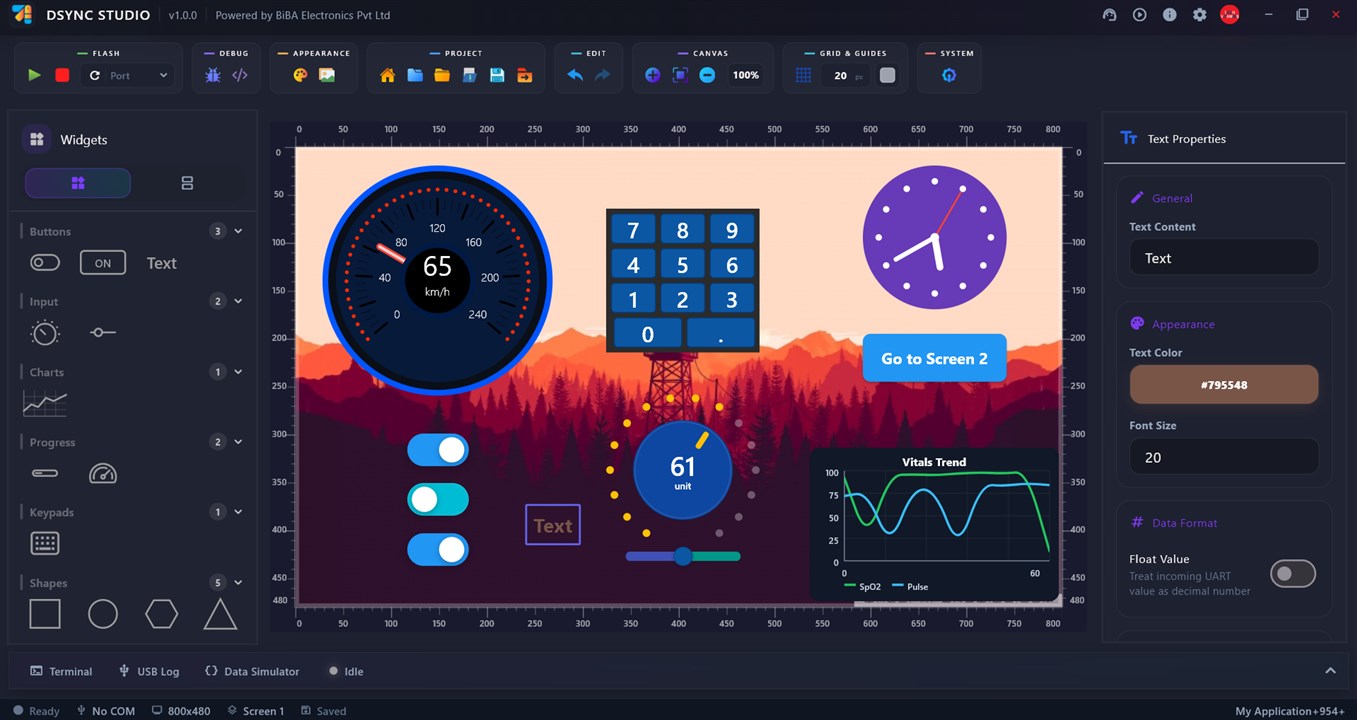
Dsync Studio is BiBA Electronics' HMI design software for embedded engineers who need a working touchscreen interface without writing a graphics driver stack by hand. As a no-code UI design tool, it functions as a complete embedded GUI design tool: drag widgets onto a canvas, wire them to live UART data, and preview the result instantly, with no manual pixel-pushing in firmware.
Built specifically for BiBA's Smart UART HMI displays, Dsync Studio doubles as touchscreen HMI design software for microcontrollers and an industrial HMI software platform for teams shipping control panels, instrumentation displays and product interfaces. Whether you're new to embedded UI design or replacing a hand-rolled graphics stack, Dsync Studio simplifies how you design a GUI for embedded displays, from first sketch to flashed firmware.
Design Canvas & Widget Library
Drag-and-Drop Canvas
Build screens visually with rulers, zoom, pan, smart guides, alignment assistance, grids, and multi-selection for precise, consistent layouts.
Full Widget Library
Buttons, toggles & switches, sliders, knobs, gauges & dials, linear and circular progress bars, line charts, analog & digital clocks, numeric keypads, images, and shapes (square, circle, hexagon, triangle, line).
Per-Widget Property Panels
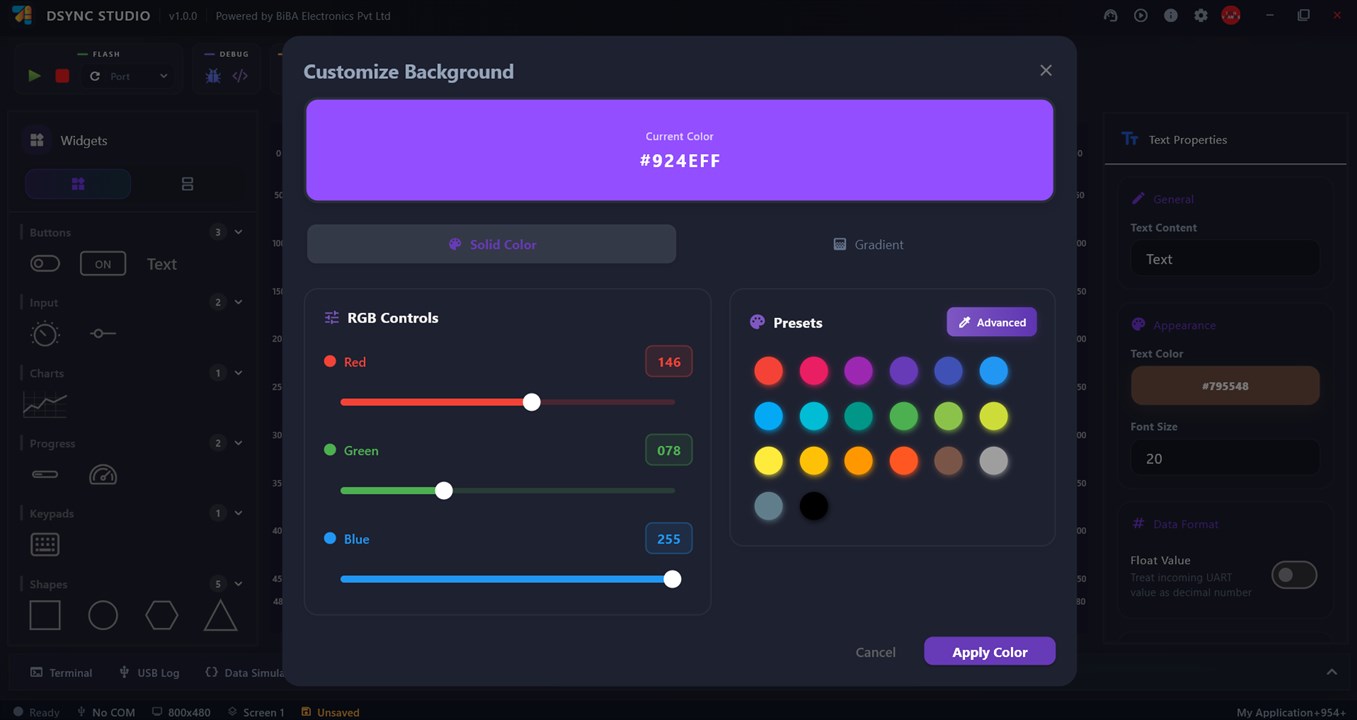
Every widget gets dedicated general, appearance, and data-format controls, plus a full RGB + gradient + preset color picker for any background or element.
Asset Management & PSD Import
Upload your own images and icons into a project, or bring in layered Photoshop (PSD) files directly onto the canvas.
Live UART Connection & Flashing
Live UART Data Binding
Bind any widget property to a UART Data ID, with decimal/float formatting, so it updates live from real hardware or the built-in simulator.
Built-in Data Simulator
Simulate incoming UART frames without hardware attached — assign matching Data IDs per chart line and preview behavior instantly.
One-Click Firmware Flashing
Flash a finished design straight to the ESP32 over USB, with a live flash console, firmware version checks, and a guided update manager.
COM Port Tools & Debug Console
Select and refresh COM ports, watch a live UART monitor, and read the terminal and USB log while debugging on real hardware.
Projects, Screens & Templates
Multi-Screen Projects
Add as many screens as a project needs, and wire them together with "Go to Screen" navigation actions and menu layouts.
Template Library
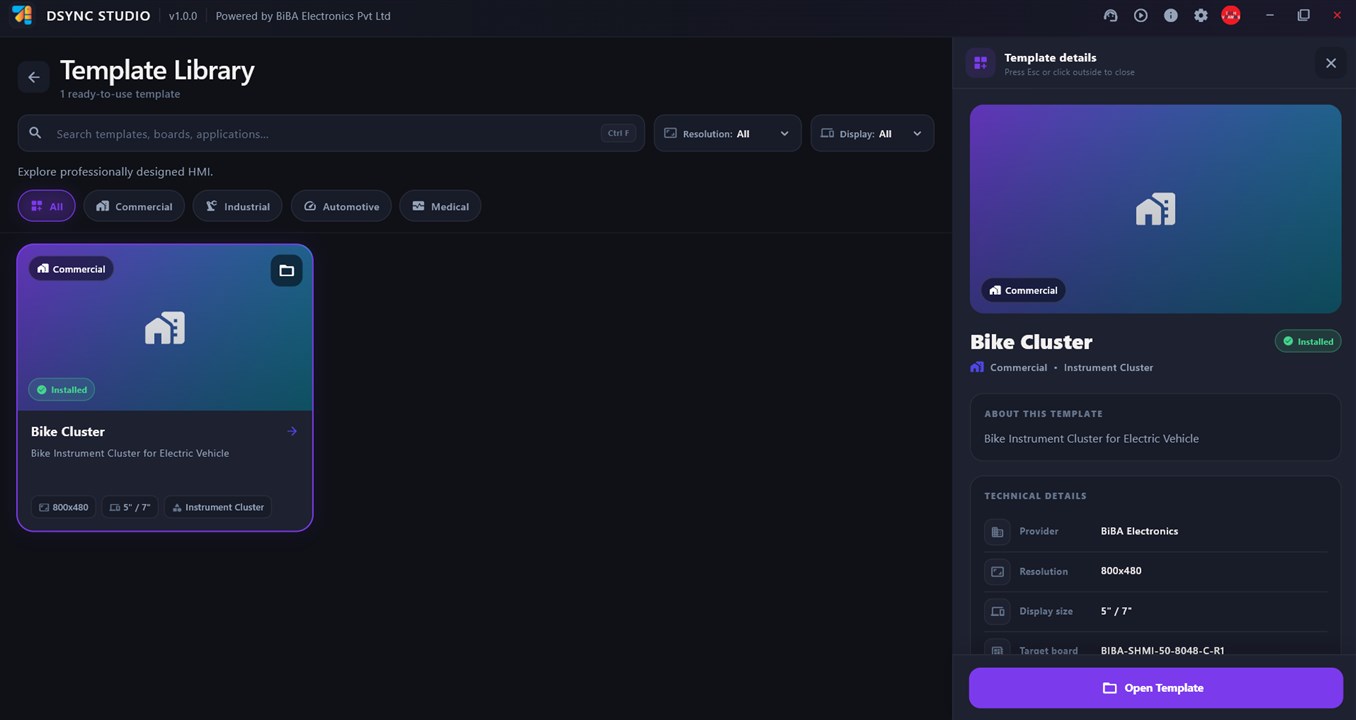
Browse ready-made HMI projects filtered by Commercial, Industrial, Automotive, and Medical categories, resolution, and display size — open one in a click.
Project Manager & Cloud Sync
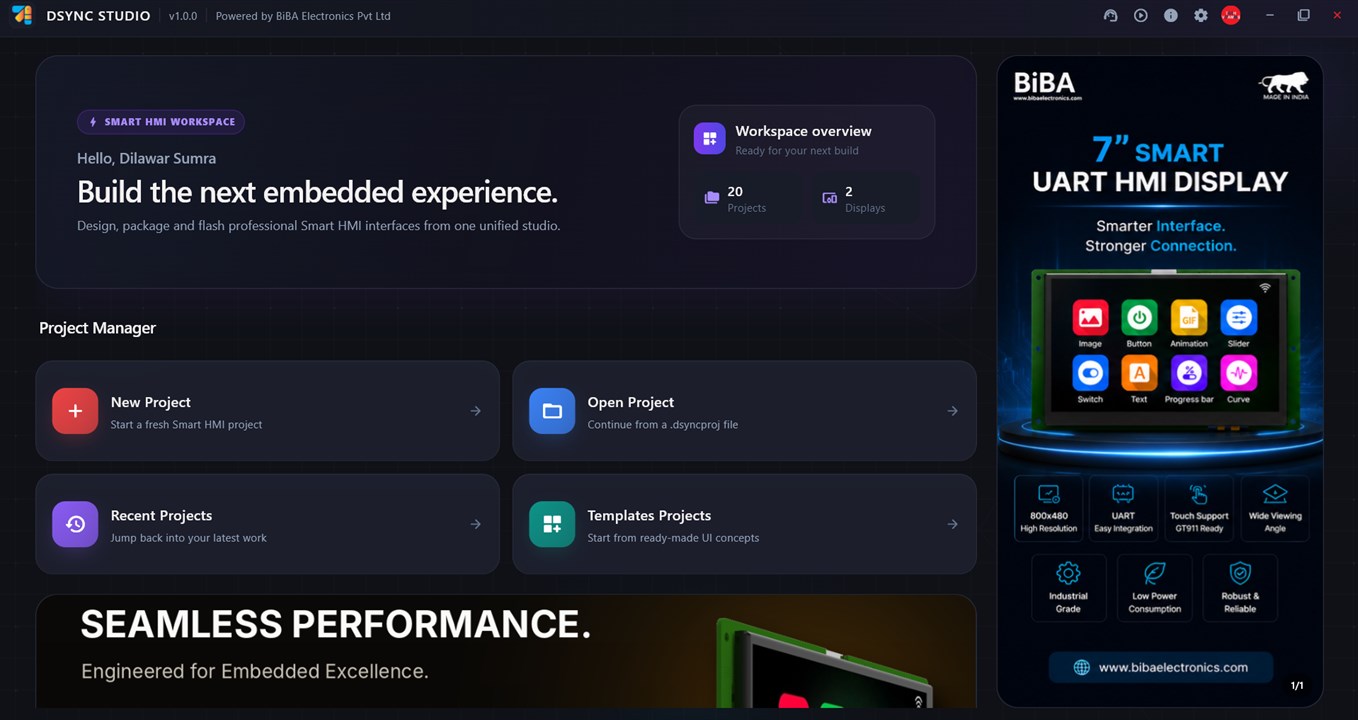
Start a new project, open a .dsyncproj file, or jump back into recent work — sign in to keep projects synced across sessions.
Flexible Export
Package a finished design as a .dsync deployment file for the device, or export a PNG preview or background image.
Built for BiBA Smart UART Displays
Dsync Studio targets BiBA's Smart UART HMI board family out of the box — pick a board from the Board Catalog to auto-configure resolution, flash package, and PWM resolution for the panel you're building for.
Frequently Asked Questions
What is Dsync Studio?
Dsync Studio is BIBA Electronics' Windows-based HMI design software for Smart UART displays. It is a no-code embedded GUI design tool: you build a touchscreen human-machine interface on a drag-and-drop canvas, bind it to live UART data, and flash it straight to the display over USB - no graphics driver stack to write by hand.
Is Dsync Studio free to download?
Yes. Dsync Studio is free to download from the Microsoft Store for Windows 10 and Windows 11.
Do I need to know how to code to use Dsync Studio?
No. Dsync Studio is a no-code UI design tool: screens are built by dragging widgets (buttons, sliders, gauges, charts, keypads) onto a canvas and configuring them through property panels, not by writing display firmware.
Which displays does Dsync Studio work with?
Dsync Studio targets BIBA's Smart UART HMI display family, currently 5-inch and 7-inch panels at 800x480 resolution with GT911 capacitive touch. Picking a board in the Board Catalog auto-configures resolution, flash package and hardware profile.
Can I test my design without connecting real hardware?
Yes. The built-in Data Simulator lets you feed test UART data into your widgets and preview live behavior before any hardware is connected.
How do I get my finished design onto the display?
Connect the display over USB, select its COM port, and flash it directly from Dsync Studio with one click. A live flash console shows progress, and the app checks and updates firmware versions automatically.
Ready to build your next embedded interface?
Dsync Studio is free to download from the Microsoft Store.