7 inch and 10.1 inch HDMI touch displays for Raspberry Pi, Jetson and industrial PCs
1024 x 600 IPS panels with capacitive touch over USB. Plug into any HDMI source, no drivers, rated for -20 to 70 C. Made in India, in stock, with volume pricing published.
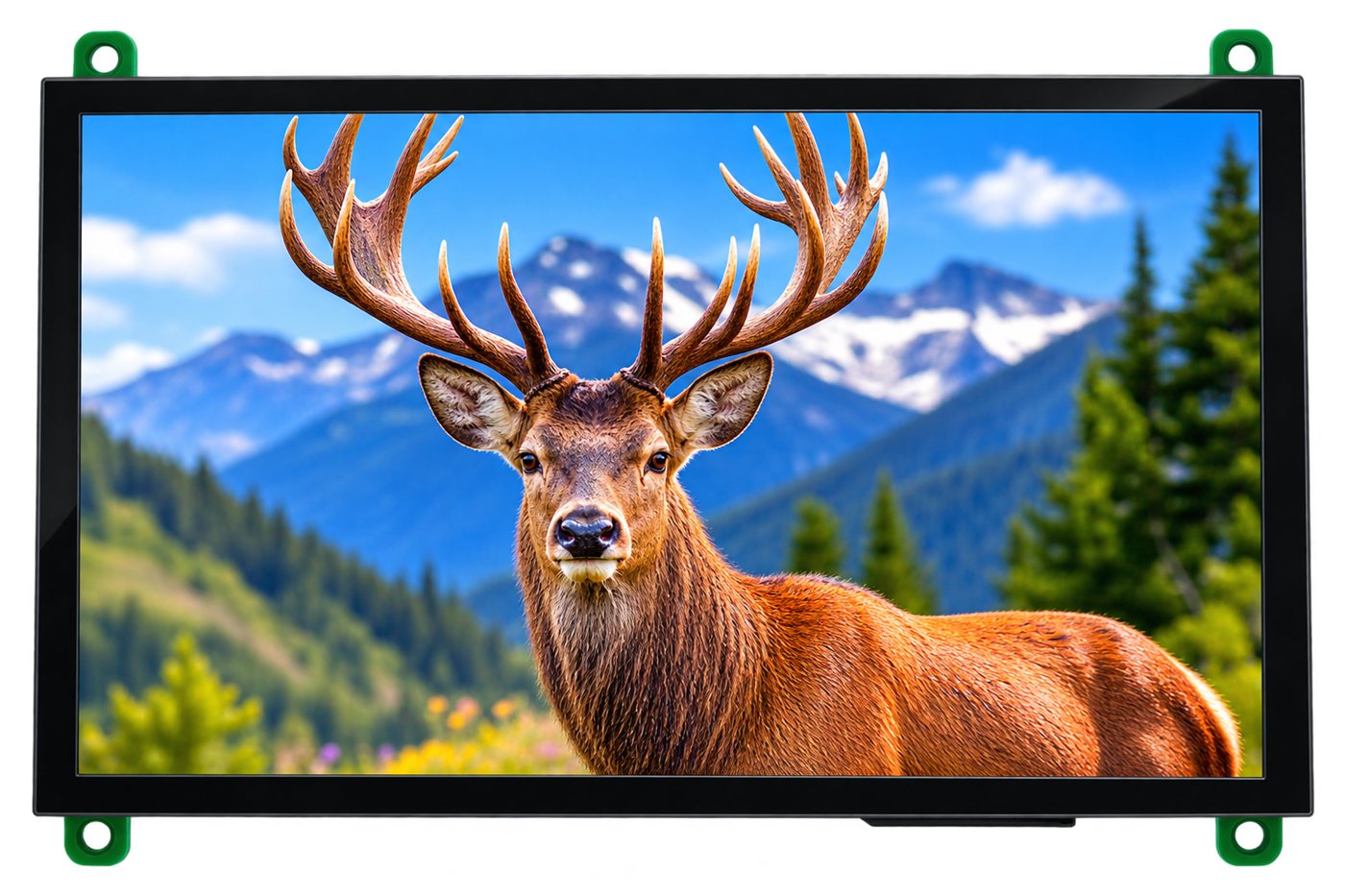
7 inch HDMI display, part number B-0525-QHB-0700-YX
Two sizes, same 1024 x 600 panel family
Same touch interface, same connectors, same temperature rating. Pick the 7 inch for handhelds, Raspberry Pi projects and test fixtures, the 10.1 inch for control panels, kiosks and industrial PCs.
| Specification | 7 inch HDMI touch displayPart no. B-0525-QHB-0700-YX | 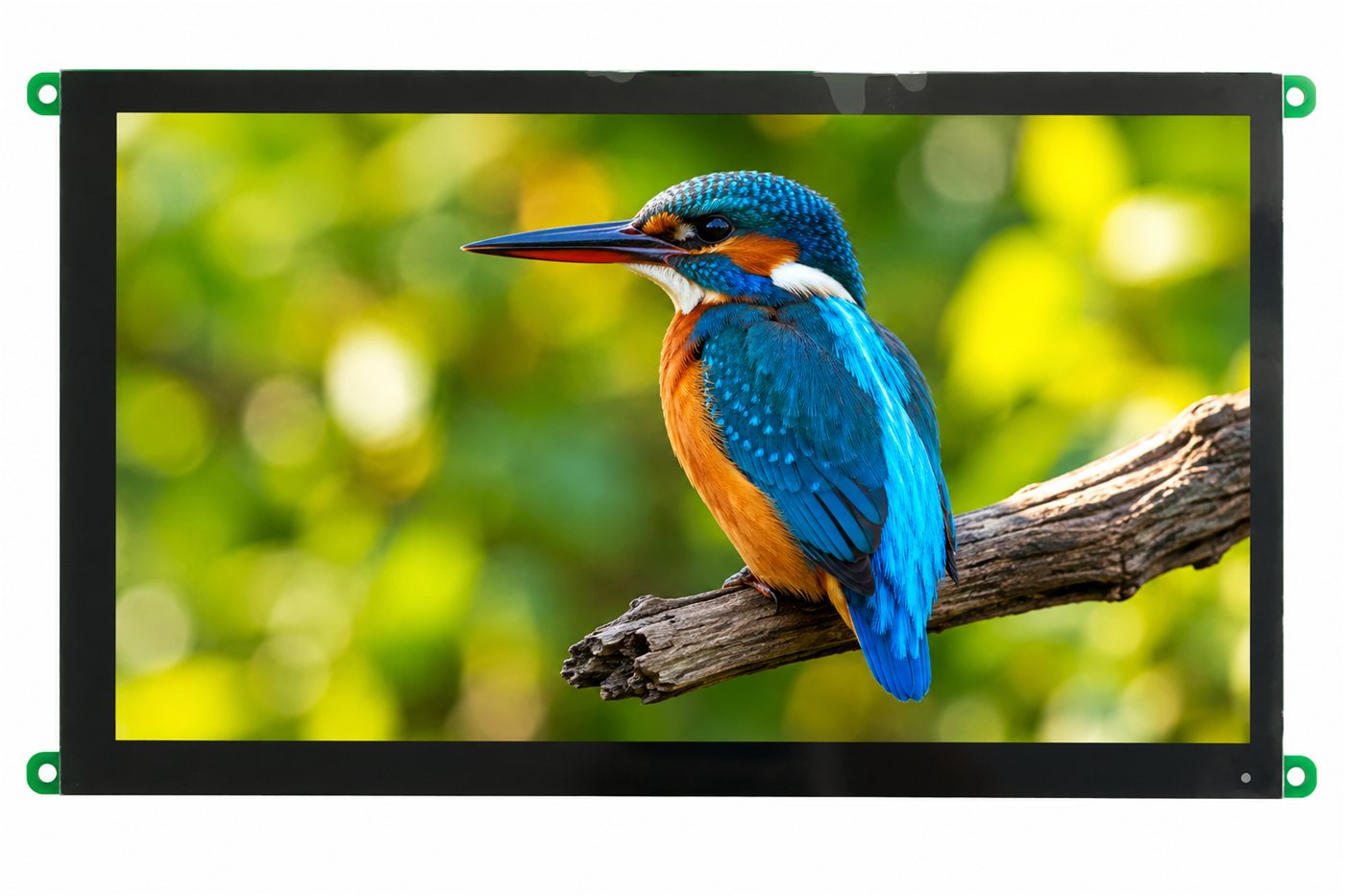 10.1 inch HDMI touch displayPart no. B-0526-QHB-1010-YX 10.1 inch HDMI touch displayPart no. B-0526-QHB-1010-YX |
|---|---|---|
| Resolution | 1024 x 600 | 1024 x 600 |
| Panel | IPS TFT, all viewing angles | TFT, 80 deg all sides |
| Brightness | 500 nits standard, 1000 nits sunlight-readable option | 500 nits standard, 1000 nits sunlight-readable option |
| Video input | HDMI | HDMI |
| Touch | Capacitive, USB | Capacitive, USB or I2C |
| Active area | 154.2 x 85.9 mm | 222.7 x 125.3 mm |
| Outline | 166.2 x 102.0 x 15.3 mm | 235 x 147 x 9.3 mm |
| Supply | 5 V over USB | 4.5 to 5.5 V, 2 A recommended |
| Operating temperature | -20 to 70 C | -20 to 70 C |
| Best for | Raspberry Pi projects, handhelds, test fixtures, 3D printers | Control panels, kiosks, medical carts, industrial PCs |
| Price breaks (ex GST) |
|
|
| Stock | In stock, ships from Gurugram | In stock, lead time 5 to 7 weeks for volume |
Built for products, not for desks
Consumer portable monitors are cheap until you try to mount one inside a machine. These displays are bare modules with mounting holes, published drawings and an industrial temperature rating.
Plug and play on any HDMI source
Connect the HDMI cable for video and the USB cable for touch and power. No driver, no configuration file, no kernel patch.
Capacitive touch over USB
The touch controller enumerates as a standard USB HID device, so Raspberry Pi OS, Ubuntu, Windows and Android recognise it out of the box.
500 nit IPS panel
Bright enough for a shop floor or a kiosk under room lighting, with full viewing angles so the image does not wash out off-axis.
Industrial temperature range
Rated for -20 to 70 C operation and tested for thermal cycling, damp heat, vibration, drop and ESD. See the reliability table in each datasheet.
Mounting holes, not a consumer bezel
Designed to be screwed into an enclosure. Mechanical drawings are published for every part number so your panel cut-out is right first time.
Made in Gurugram, long availability
BIBA Electronics is an ISO 9001 display and EMS company. Part numbers stay in production for OEM programmes, with volume pricing published up front.
What is an HDMI touch display module?
An HDMI touch display module is a TFT LCD panel with an HDMI driver board fitted on the back and a capacitive touch sensor laminated on the front. The host, such as a Raspberry Pi, an NVIDIA Jetson or a Windows PC, sends video over HDMI exactly as it would to a monitor, and reads finger positions over USB as a standard HID touch device. Nothing has to be installed on the host.
The difference from a consumer monitor is mechanical. A module has no enclosure or stand. It has mounting holes, a published drawing, an industrial operating temperature range and a part number that stays in production, so an OEM can design an enclosure around it and keep buying the same part for years.
BIBA Electronics makes two sizes, 7 inch and 10.1 inch, both 1024 x 600 pixels and 500 nits, with a 1000 nit option. They are designed and assembled in Gurugram, India, with datasheets, GST invoicing and stock for single-unit orders.
HDMI vs UART, LVDS, RGB and MIPI: which display interface do you need?
The right interface depends on what is driving the screen. This is how BIBA's engineers steer the choice when a customer sends a requirement.
| Interface | Host it needs | Strength | Trade-off | Typical use |
|---|---|---|---|---|
| HDMI | Any computer or SBC with an HDMI port | Plug and play, OS renders the UI, USB touch | Needs a host that runs an OS | Raspberry Pi, Jetson, PCs, kiosks |
| Smart UART | Any MCU with a serial port | Display renders its own UI, two wires | UI fixed at design time in Dsync Studio | Arduino, ESP32, STM32, PLC panels |
| LVDS | SoC or SBC with an LVDS transmitter | Long cable runs, low EMI, 7 to 15 inch panels | Needs a driver board or SoC support | Industrial PCs, medical, automotive |
| RGB (TTL) | MCU or MPU with a parallel LCD controller | Lowest cost bare panel | 40 to 50 wires, short cable, frame buffer on host | Cost-driven appliances, 3 to 7 inch |
| MIPI DSI | Application processors and phone-class SoCs | Few wires, high resolution | Needs DSI on the SoC, driver bring-up | Handhelds, tablets, premium HMIs |
Raspberry Pi setup in three steps
The same steps apply to Jetson, Rock Pi, a Windows PC or any other HDMI source.
Connect HDMI
Micro HDMI to HDMI on a Pi 4 or Pi 5, full-size HDMI on a Pi 3 or a PC. The panel reports its native 1024 x 600 mode over EDID.
Connect USB
One USB cable carries 5 V power and the capacitive touch data. On a Pi it plugs into any USB-A port and shows up as a HID touchscreen.
Boot
Raspberry Pi OS, Ubuntu and Windows pick the resolution and touch automatically. Rotate the screen in the display settings if you mount it portrait.
Where BIBA HDMI displays are used
Six places the same two part numbers turn up, from a shop floor in Gurugram to a charging station on a highway.
Industrial HMI and machine panels
Operator screens on packaging, textile, printing and CNC machines, driven by an industrial PC or a Linux SBC in the control cabinet.
Test fixtures and lab instruments
Bench equipment that needs a touch UI without designing a display driver, often a Raspberry Pi with a Python or Qt front end.
Kiosks, vending and ticketing
Self-service units where the 10.1 inch panel gives room for a keypad and status messages, with the capacitive touch glass facing the public.
Medical and diagnostic devices
Monitoring carts, analysers and respiratory equipment where the display is mounted open-frame behind a sealed bezel.
EV chargers and energy monitors
Charger front panels and solar or battery monitoring units, usually with the 1000 nit option for outdoor cabinets.
Digital signage and smart retail
Shelf-edge and counter displays running Android or Linux media players over a single HDMI cable.
Works with
Anything that outputs HDMI and has a USB host port. Our customers use the 7 inch display as a Raspberry Pi touch screen in test fixtures and 3D printers, and the 10.1 inch as the operator panel on industrial PCs, medical carts, vending machines and energy monitors.
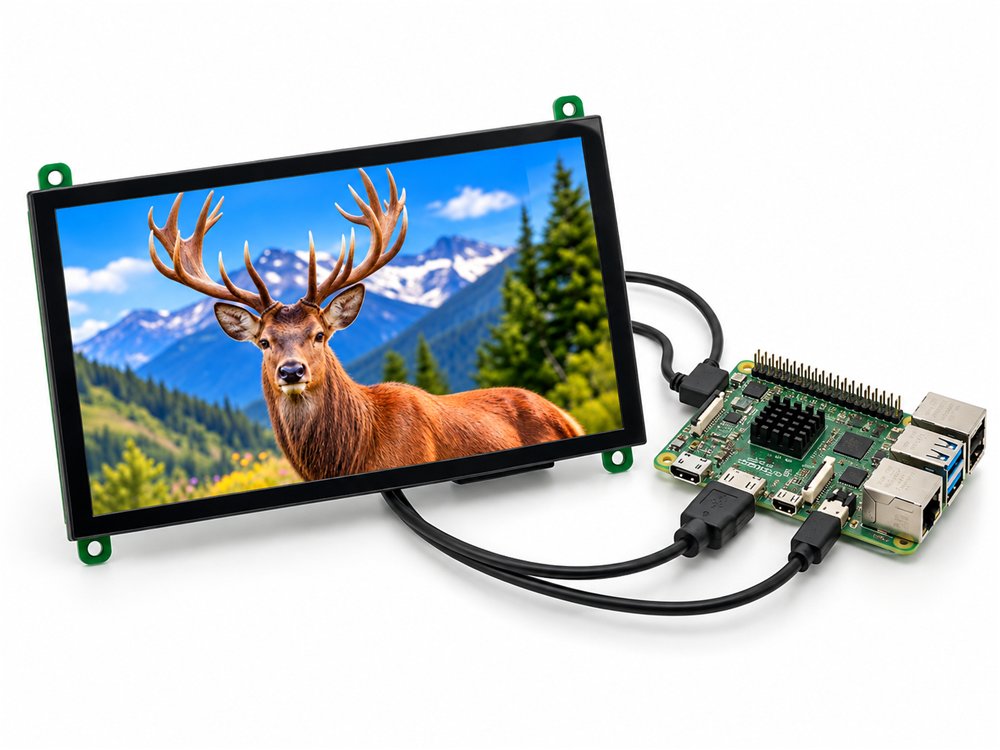
Raspberry Pi 5 / 4 / 3
Micro HDMI to HDMI, touch and power over one USB-A cable.
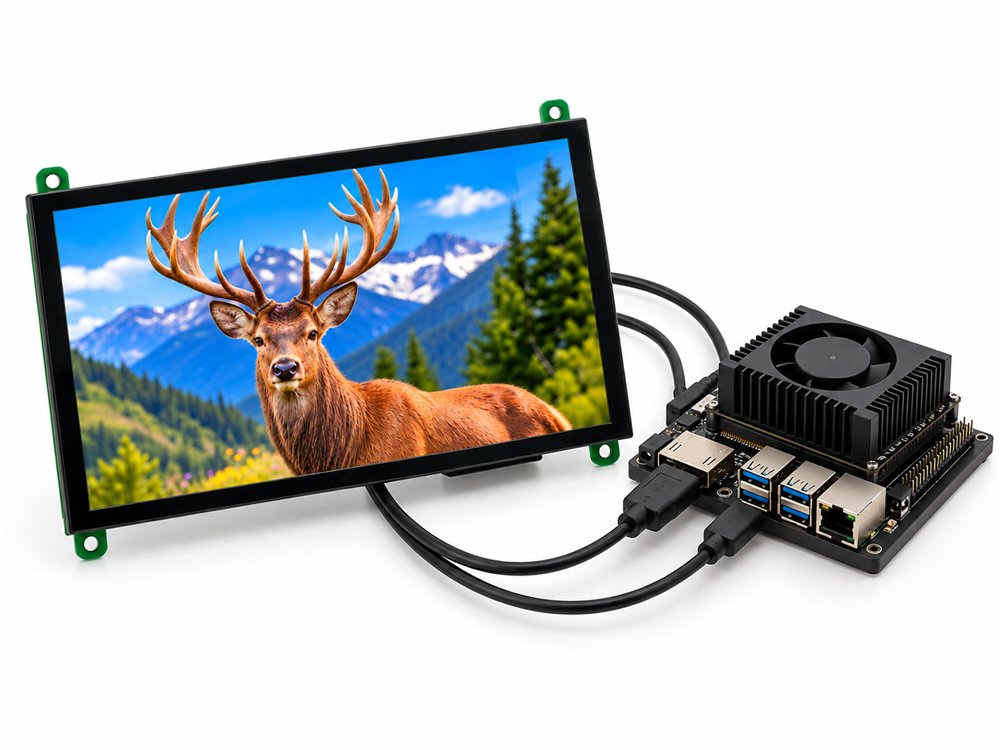
NVIDIA Jetson
Orin Nano and Xavier dev kits: HDMI out, USB touch, 5 V from the carrier.
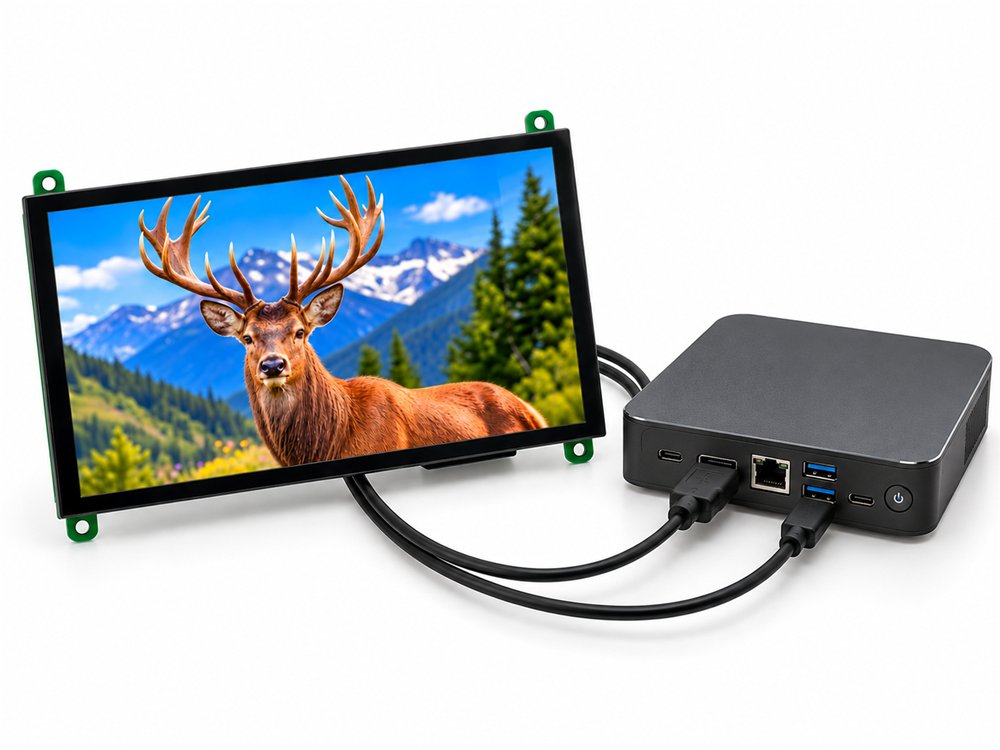
Windows mini PCs and NUCs
Windows 10 and 11 detect the panel and touch with no driver.
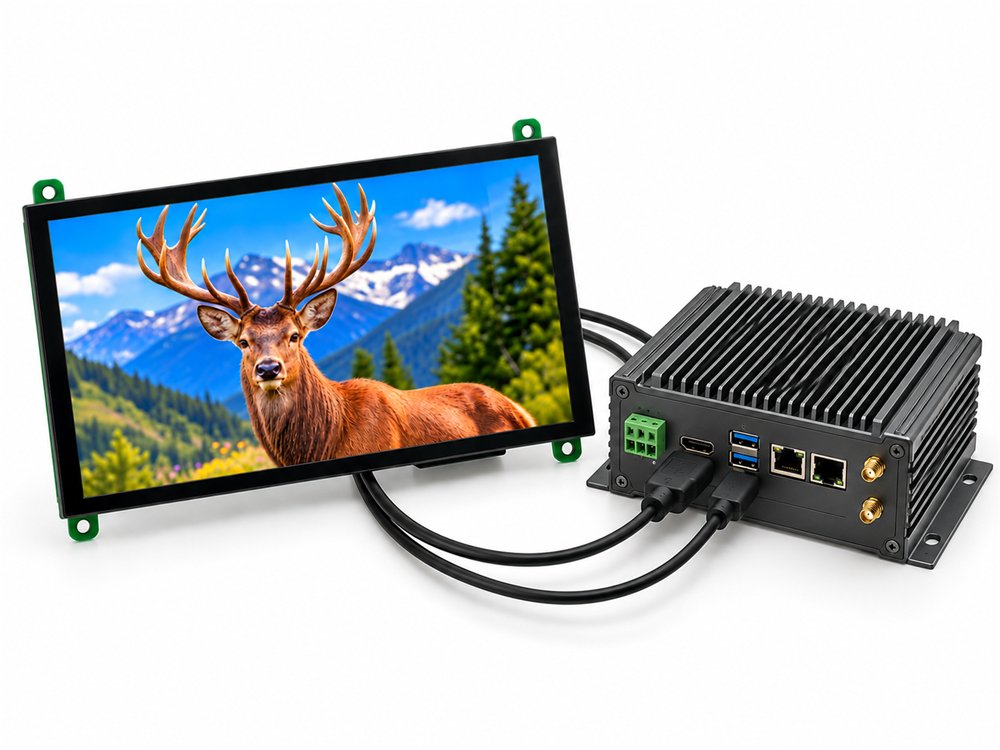
Industrial and panel PCs
Fanless boxes running Linux or Windows in control cabinets.
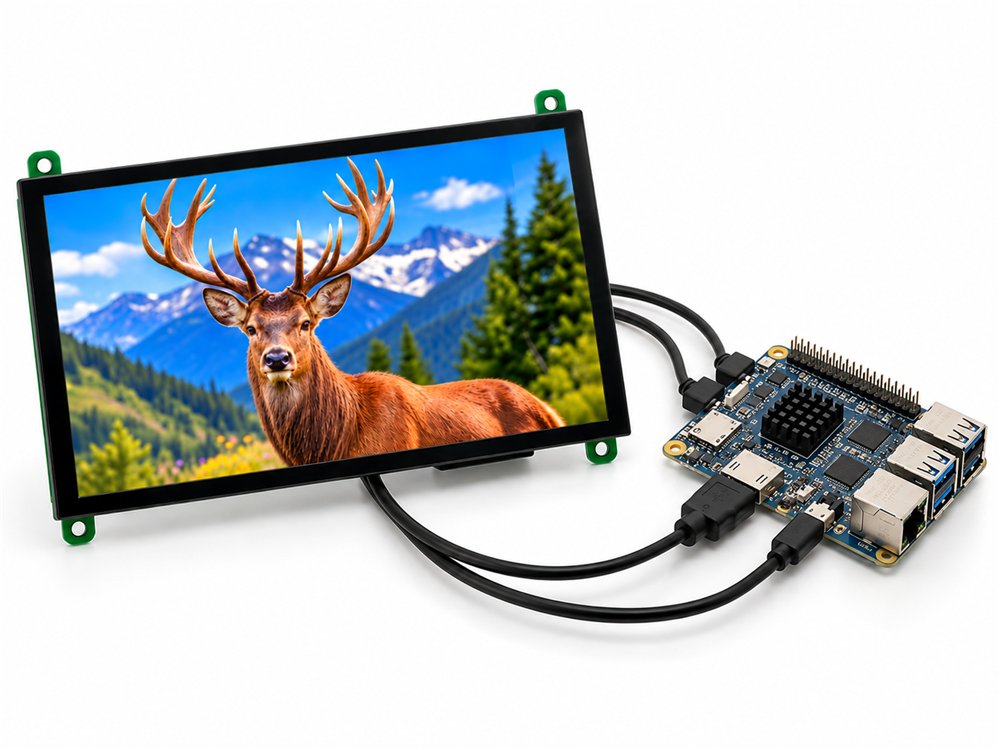
Rock Pi, Orange Pi, Banana Pi
Any ARM single-board computer with an HDMI output.
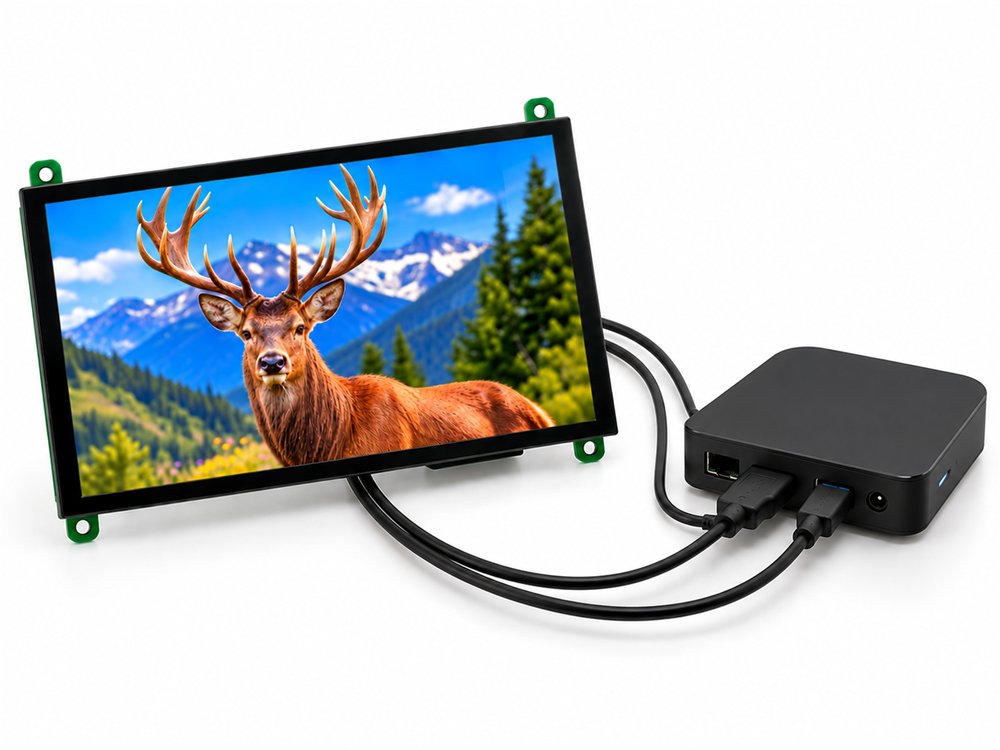
Android and media boxes
Android TV boxes, signage players and set-top units.
Also runs on
Raspberry Pi CM4 carrier boards, Intel NUCs, Ubuntu and Debian desktops, Android TV boxes, and any instrument or kiosk controller with an HDMI port. Windows 10 and 11, Raspberry Pi OS, Ubuntu and Android all treat the touch panel as a standard USB HID device.
Frequently asked questions
What is an HDMI touch display module?
A bare TFT LCD panel with an HDMI driver board on the back, a capacitive touch sensor laminated on the front, and mounting holes so it can be fitted inside a product. The host computer sends video over HDMI and reads touch over USB. BIBA's modules are 7 inch and 10.1 inch, 1024 x 600 pixels, 500 nits, and are made in Gurugram, India.
Does the 7 inch HDMI display work with a Raspberry Pi 5?
Yes. Connect micro HDMI to HDMI for video and a USB cable to any USB port for touch and 5 V power. Raspberry Pi OS detects the 1024 x 600 panel over EDID and the touch controller as a USB HID device, with no config.txt changes.
Does it work with Raspberry Pi 4, Pi 3, Zero 2 W and Compute Module 4?
Yes. Any Raspberry Pi with an HDMI output works. The Pi 4 and Pi 5 use micro HDMI, the Pi 3 uses full size HDMI, the Zero 2 W uses mini HDMI, and CM4 carrier boards usually expose full size HDMI. Only the cable changes.
Do I need a driver for the touch screen?
No. Touch is a standard USB HID device, so it works on Raspberry Pi OS, Ubuntu, Debian, Windows 10 and 11, and Android without installing anything.
Can I use it with a Windows laptop or mini PC as a second screen?
Yes. Windows treats it as a 1024 x 600 monitor and a touch digitiser. Use Display settings to extend or duplicate the desktop and to rotate the screen.
Does the touch screen work with NVIDIA Jetson and Ubuntu?
Yes. JetPack and Ubuntu use the kernel's generic HID multitouch driver, so touch works out of the box on Jetson Orin Nano, Orin NX and Xavier developer kits.
How is the display powered?
Through its USB connector at 5 V. A Raspberry Pi USB port is enough for the 7 inch model. For the 10.1 inch model we recommend a dedicated 5 V, 2 A supply so the backlight does not share the Pi's USB budget.
How do I rotate the screen to portrait?
On Raspberry Pi OS Bookworm open Preferences, Screen Configuration, select the HDMI output and set the orientation; touch follows the rotation automatically under Wayland. On Windows use Display settings, Display orientation. On Ubuntu use Settings, Displays.
What is the viewing angle and brightness?
The 7 inch uses an IPS panel with full viewing angles in all directions. The 10.1 inch is rated 80 degrees on all four sides. Both are 500 nits as standard, with a 1000 nit sunlight-readable option for outdoor and high ambient light installations.
What is the difference between the HDMI display and the Smart UART display?
An HDMI display needs a computer or SBC that renders the screen. A Smart UART display has its own ESP32 processor and shows a UI you design in Dsync Studio, driven by simple serial commands from any microcontroller. If you have a Linux board, choose HDMI. If you have an Arduino, STM32 or PLC, choose UART.
What is the minimum order quantity and price?
You can order a single unit online. The 7 inch model is ₹4,500 for 1 to 10 pieces and falls to ₹3,700 at 251 pieces and above. The 10.1 inch model is ₹5,500 single and ₹4,080 at 250 and above. Prices exclude GST. GST invoices are issued for every order.
Is a datasheet or mechanical drawing available?
Yes. Each model has a downloadable datasheet with the mechanical drawing, pinout and reliability test table, linked from the comparison table above and from the product page. 2D drawings for panel cut-outs are provided on request for OEM programmes.
Can BIBA customise the display for my product?
Yes. We supply custom brightness, cover glass with printed borders, cable lengths and open-frame or enclosed variants for OEM volumes, and because BIBA is also an EMS company we can build the complete HMI board around the display in our Gurugram facility.
Where are these displays made and what is the lead time?
They are designed and assembled by BIBA Electronics in Gurugram, Haryana. The 7 inch ships from stock. The 10.1 inch ships from stock for small quantities, with a 5 to 7 week lead time for volume orders.
Order online or talk to an engineer
Single units ship from stock in Gurugram. For 100 pieces and above, or a custom cover glass, cable or enclosure, send us your requirement and we reply within one working day.